> For the complete documentation index, see [llms.txt](https://help.trackstack.app/llms.txt). Markdown versions of documentation pages are available by appending `.md` to page URLs; this page is available as [Markdown](https://help.trackstack.app/inbox/track-library/track-tools.md).
# Track Tools
This page outlines the track tools available for you to enhance your tracks before sending.
Track Tools give you the ability to enhance, beautify, and prepare your tracks for release or sharing — all directly inside Trackstack. From artwork generation to mastering, these tools help you present your music at its highest quality and give it the professional edge it deserves.
***
### **Artwork**
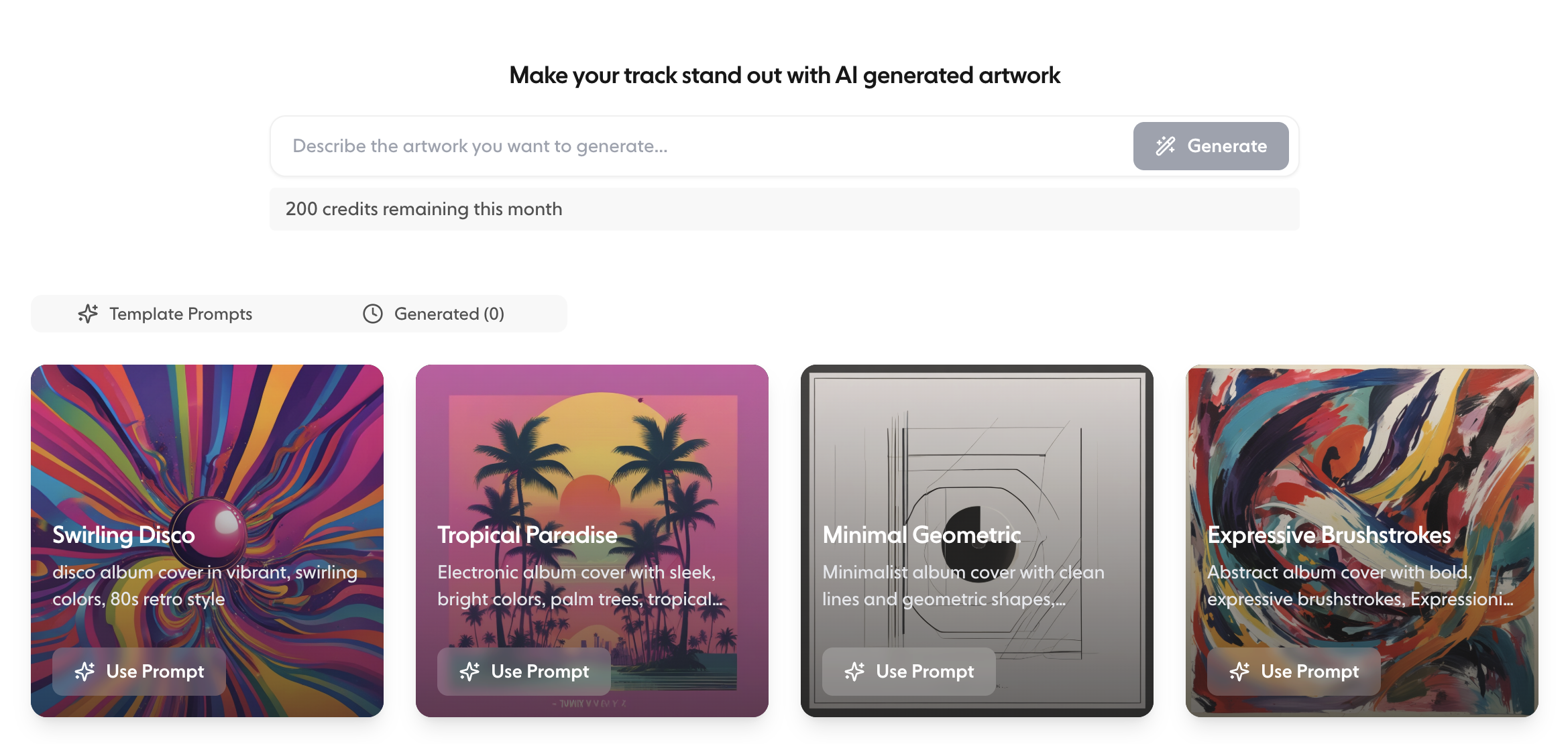
Create professional, eye-catching artwork for any track in your Library using Trackstack’s AI-powered artwork generator. With Artwork Tools, you can:
* Instantly generate custom artwork for singles, demos, or releases
* Experiment with visual styles that match your sound
* Replace or update artwork anytime
* Download artwork to use across social platforms, EPKs, or release assets
Artwork is added directly to your tracks, making your Library more visually organised and your Project links more engaging.
***
### **AI Mastering**
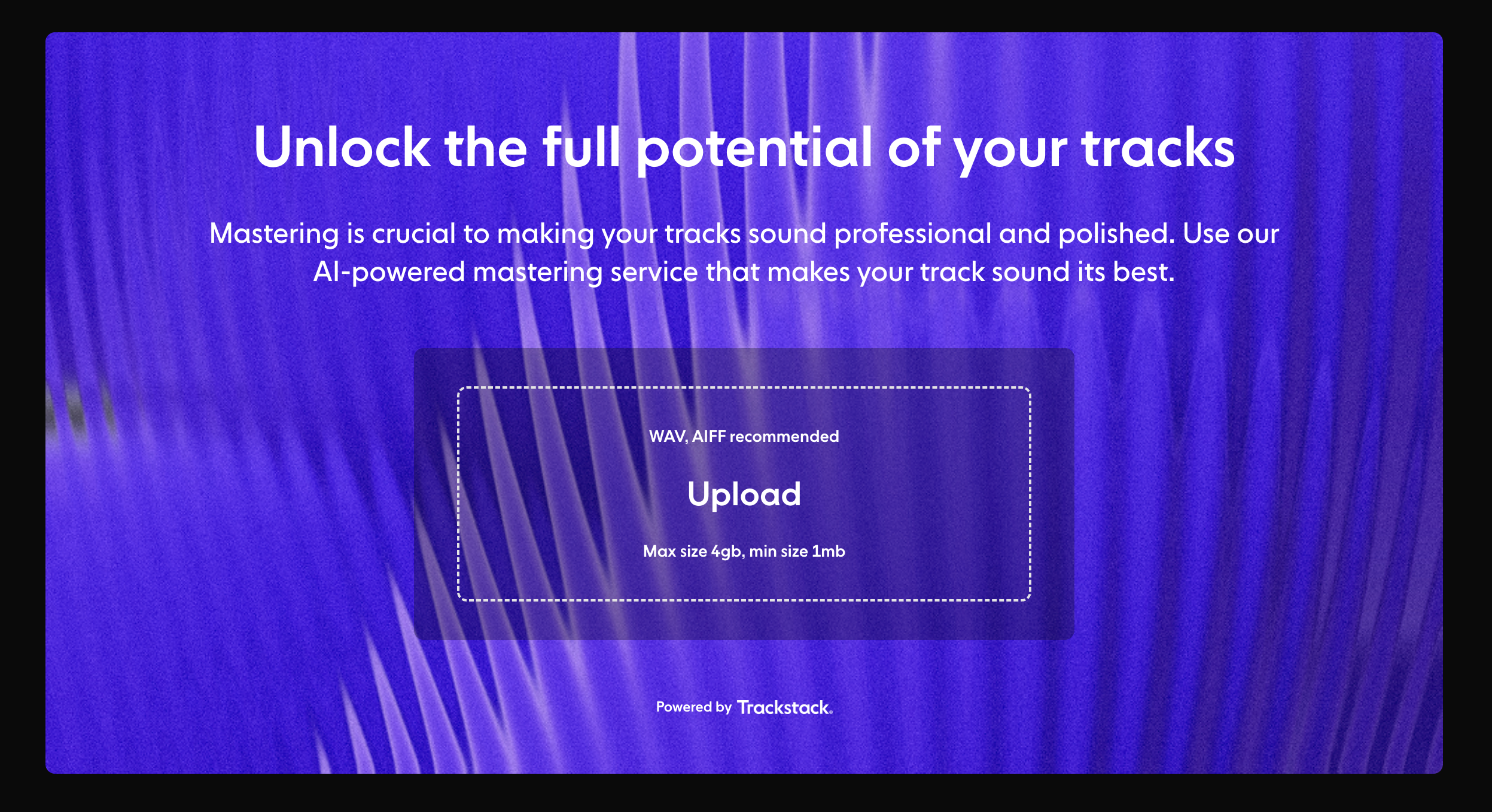
Polish your track and perfect your sound with Trackstack’s **AI Mastering** engine.
AI Mastering allows you to:
* Quickly create a mastered version of your track
* Improve loudness, clarity, and balance
* Prepare demos for sending or sharing
* Compare your original mix with the mastered version
Whether you’re refining a demo or prepping a release preview, mastering ensures your track sounds its best everywhere it’s heard.
***
### **Why Use Track Tools?**
Track Tools are built to help you:
* Present your music professionally
* Speed up your creative workflow
* Avoid external tools and time-consuming processes
* Create cohesive visuals and polished audio assets
* Share tracks confidently with labels, DJs, collaborators, and fans
Everything lives inside your Library, so your enhanced tracks sync seamlessly across your workspace.